
The logbook that doesn't fly away.
Your hours logged, signed, kept with you. The EASA logbook that lives on your iPhone, and nowhere else.
50 test spots — now boarding.
Student
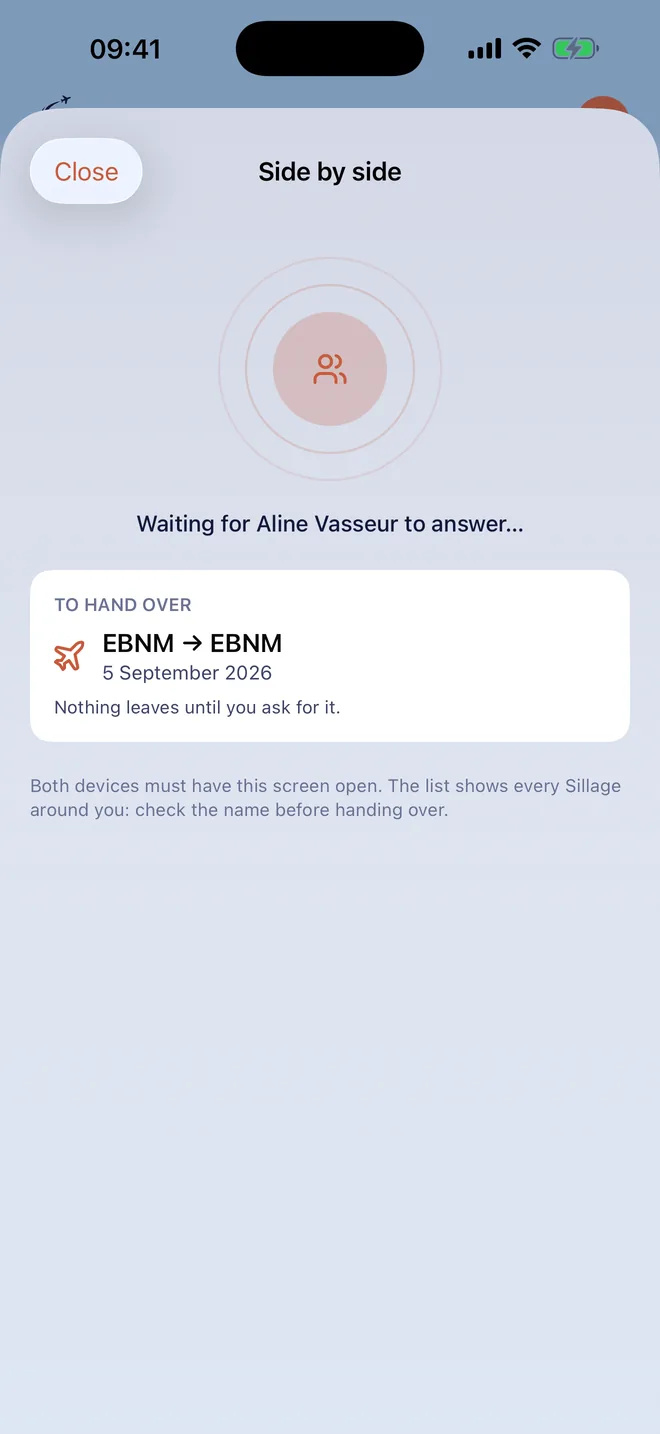
Your instructor signs on your screen, next to you, in ten seconds — and the line is sealed. Your solo release? You set the terms, hand over the phone, they sign: the authorisation lives on YOUR phone. And your flight passes from one phone to the other, up close, with no network.
Pilot
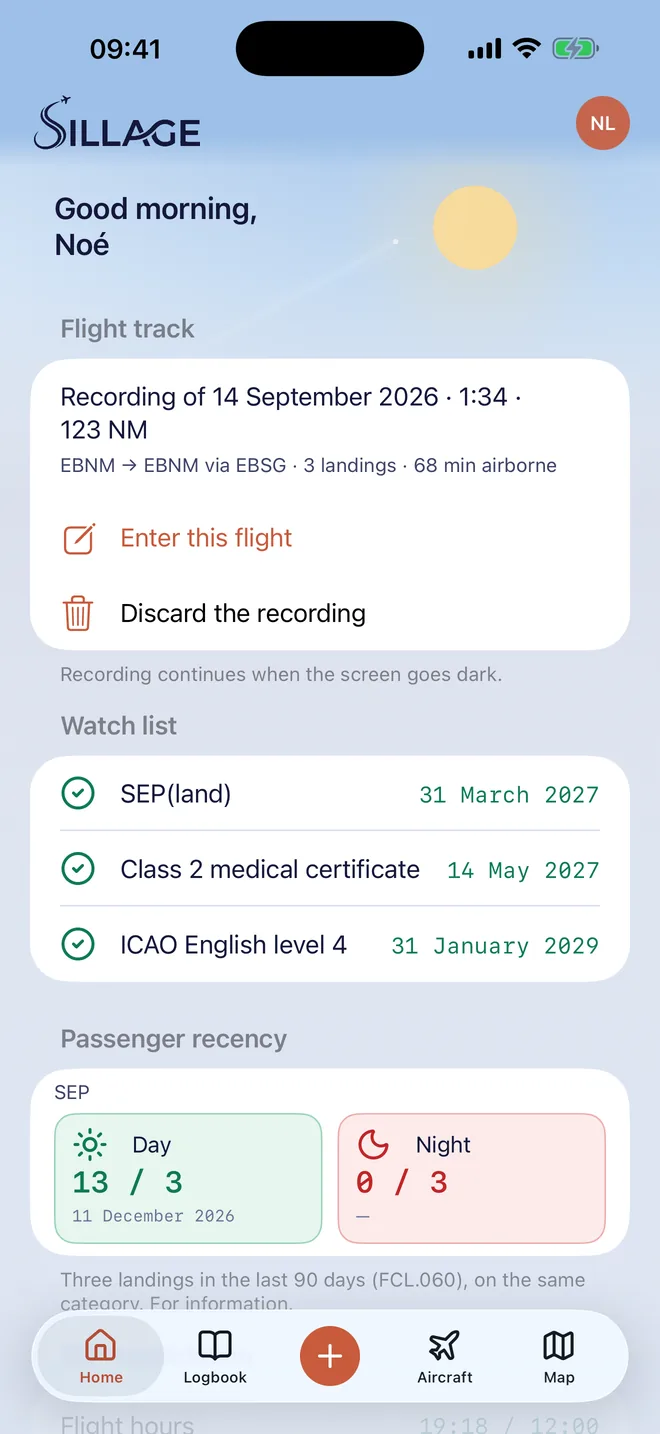
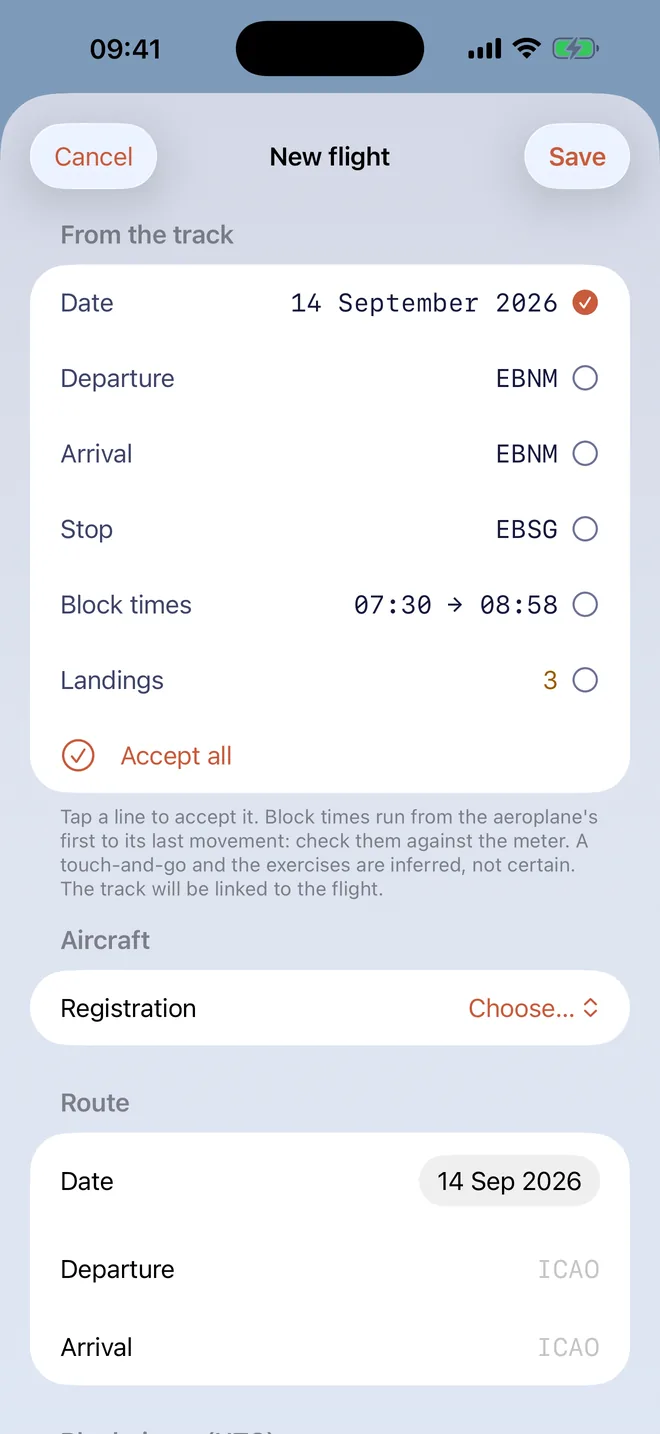
Start the recorder at engine start: after the flight, the track proposes the date, the airfields, the block times and the landings, and you accept line by line. Night time computed, passenger recency, SEP gauge, and the map of your airfields on Apple Maps.
Instructor
Without Sillage, you sign on the pilot's screen: your initials, your name, your licence number. With Sillage, you see the flight on your own phone and seal it with Face ID. And you authorise a solo before the flight, with one signature.
Sillage, on screen
Screenshots of the app, on a demonstration logbook.
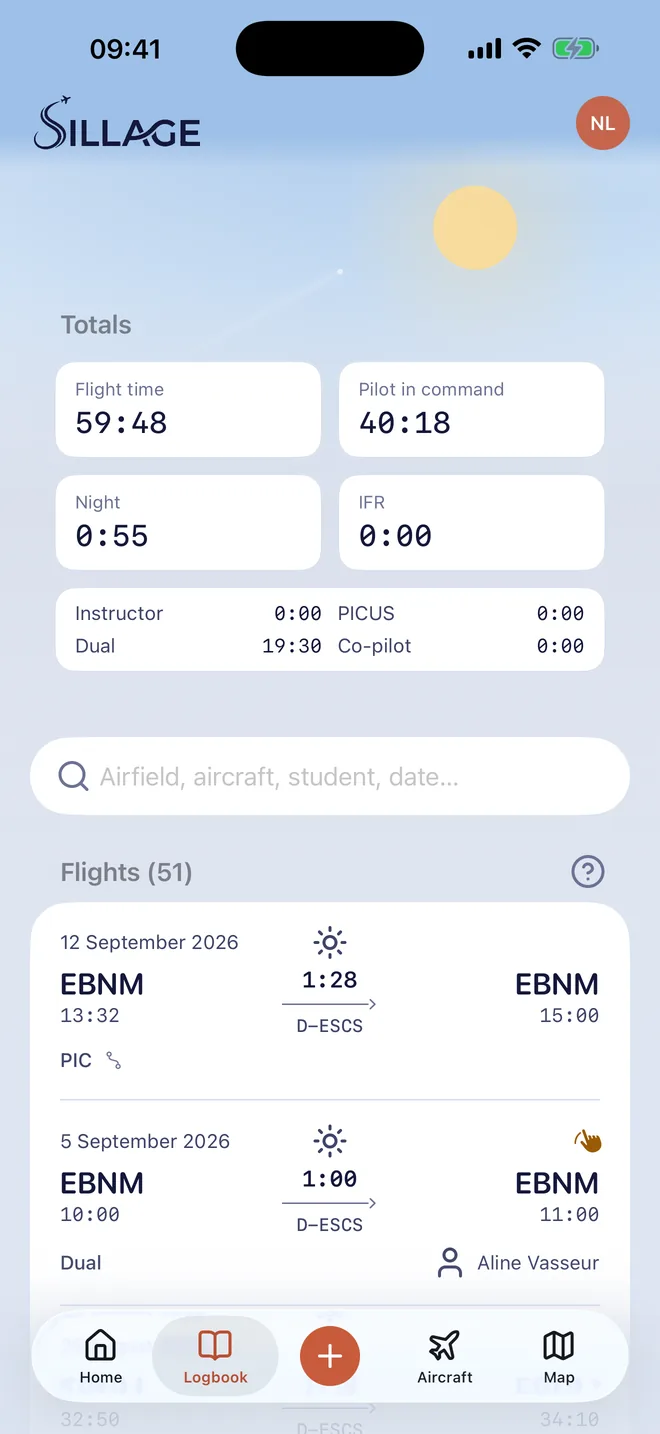
Everything Sillage does, in the clear
- One screen to log a flight: your airfields first, then 19,277 ICAO codes; the total follows from block times, across midnight; what is inconsistent is refused and named, what is doubtful is flagged
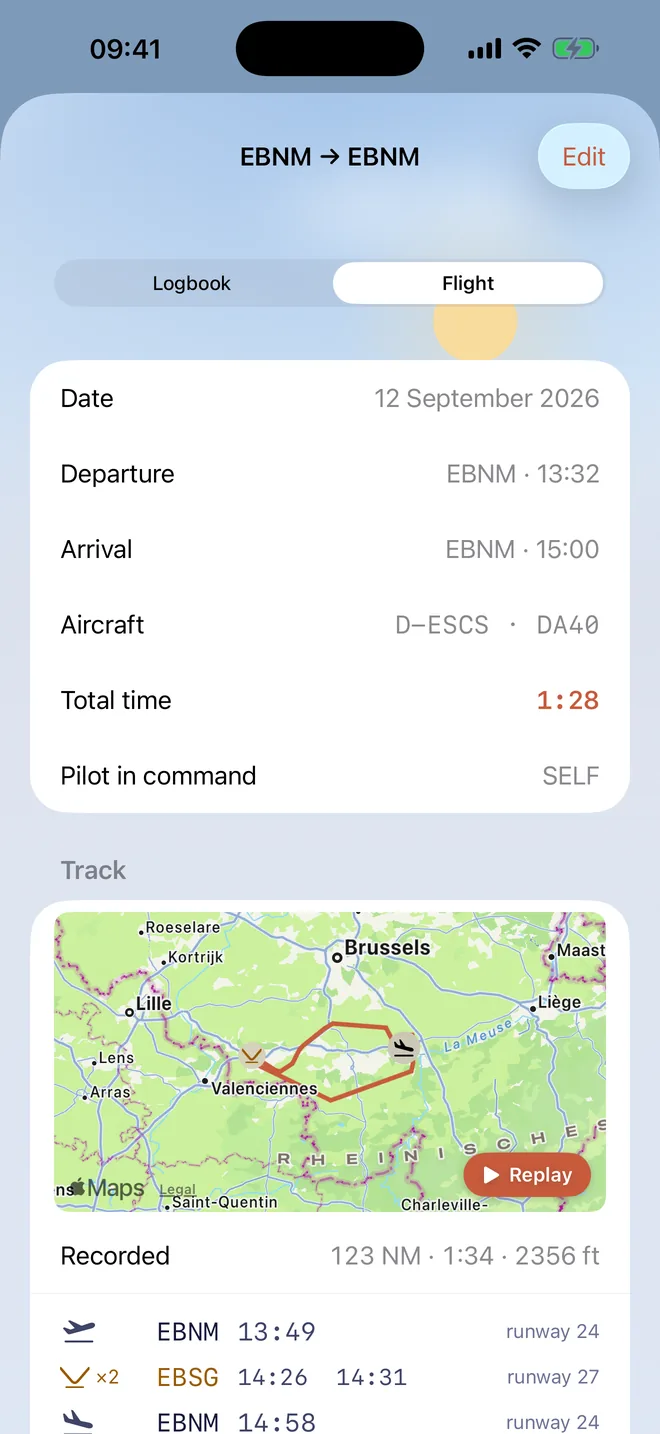
- The track recorder keeps going with the screen off, then reads take-offs, landings, touch-and-goes, runway direction, cruise and wind — and proposes the flight, which you accept line by line
- Replay the flight on the map, and a card to share as a Story, portrait or square — never the remarks, the people, the licence or the signature
- Side by side: a flight, a signature request, a solo authorisation, one or several aircraft sheets pass from one phone to the other, up close, with no network and no account
- Your instructor signs on YOUR screen — initials, name, licence, no app — or seals with Face ID if they have Sillage, with a key that never leaves the secure chip
- Every signed line is sealed: changing a time afterwards breaks verification, and it shows
- Night time computed for the country of the flight as you log; passenger recency and SEP revalidation gauge on the home screen
- Licences, class and type ratings, medical, language proficiency: their expiry dates, and a revalidation period proposed from the regulation, never blocking
- Your aircraft: 48,053 registrations and 2,615 type designators on board, the photo, and the on-board documents with their expiry dates
- Bring your old logbook: CSV, text or XLSX files exported from the most widely used logbook apps, or printed pages, read on the phone — or simply carry your totals forward
- Official AMC1 FCL.050 logbook as a sealed PDF, in the language of your licence's country, plus CSV — or “View my logbook” full screen, with no network
- Statistics and a map of visited airfields: per year, per aircraft, and what your tracks tell
Your data doesn't fly away
- Your logbook never leaves your phone. No account, no Sillage server: the app sends us nothing, and we have no database to query, lose or sell.
- If you turn on iCloud backup, it goes to YOUR iCloud, not ours — we have no access to it. Delete the app, reinstall it: the logbook comes back.
- Your exports are yours: PDF and CSV that open without Sillage, and a complete copy of your logbook to keep wherever you like.
- Every signed line is sealed inside your phone: changing it afterwards breaks the seal, and it shows.
Designed and published by a working flight instructor. EASA Part-FCL format, AMC1 FCL.050 columns.
A logbook that counts
Electronic logbooks are accepted by the regulation: FCL.050 requires a reliable record, not a particular medium. Columns follow AMC1 FCL.050, sealed PDF, signatures sealed inside your device.
Be one of the first 50 aboard
The app is coming. The first 50 sign-ups try it early via TestFlight, free — and the app stays theirs: Sillage is bought once, kept forever. Leave your address, we'll handle the rest.
A question? Contact us.Frequently asked questions